Maester
A macOS menu bar app that shows CPU, GPU, memory, disk and apps, and lets you quit an app that hangs.
What it is
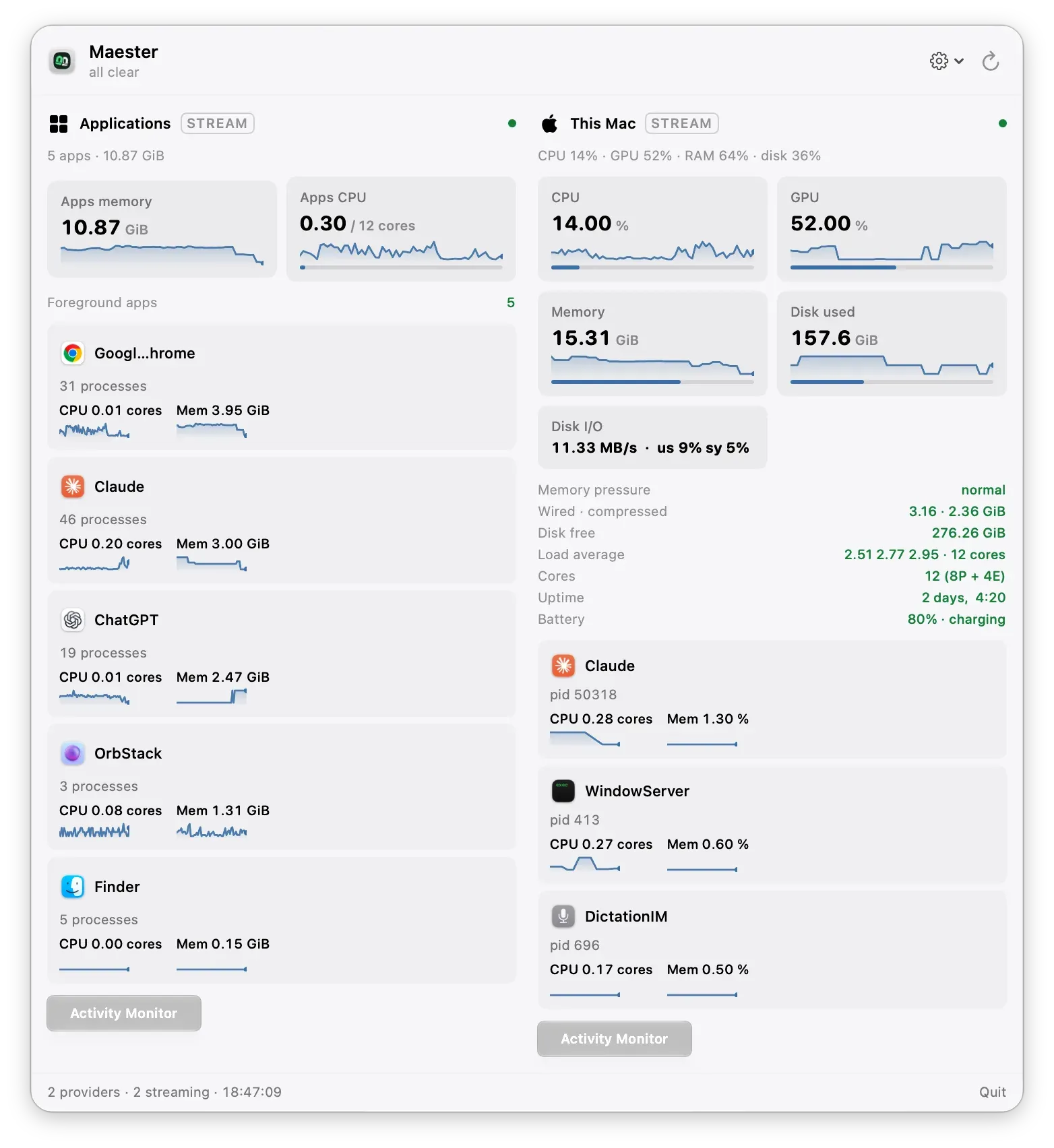
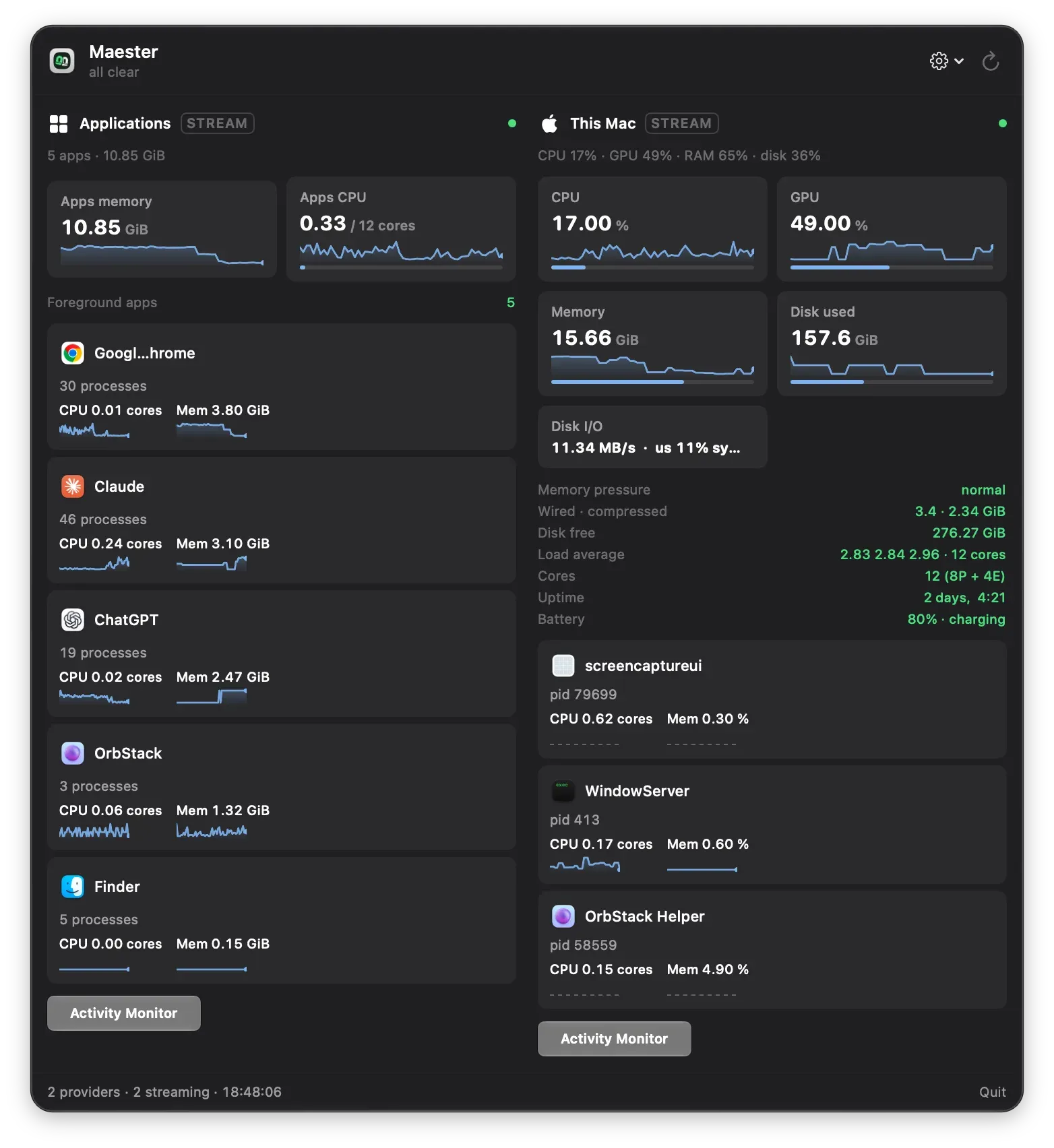
Maester lives in the Mac menu bar. One click opens a panel that shows:
- CPU, GPU, memory and disk use.
- The apps that are running, with a button to quit or force-quit an app that hangs.
The menu bar icon shows the worst state of all the checks. When something needs attention, you see it without opening the panel.
It runs on macOS 15 or later on Apple silicon. It is free and open source under the MIT licence.
One design decision
Any program can add a check. A provider is any program that prints JSON in a fixed shape. Maester runs it and shows the result.
So you can write a check in the language you like: a shell script, Python or Swift. You do not need to change Maester or learn its code.